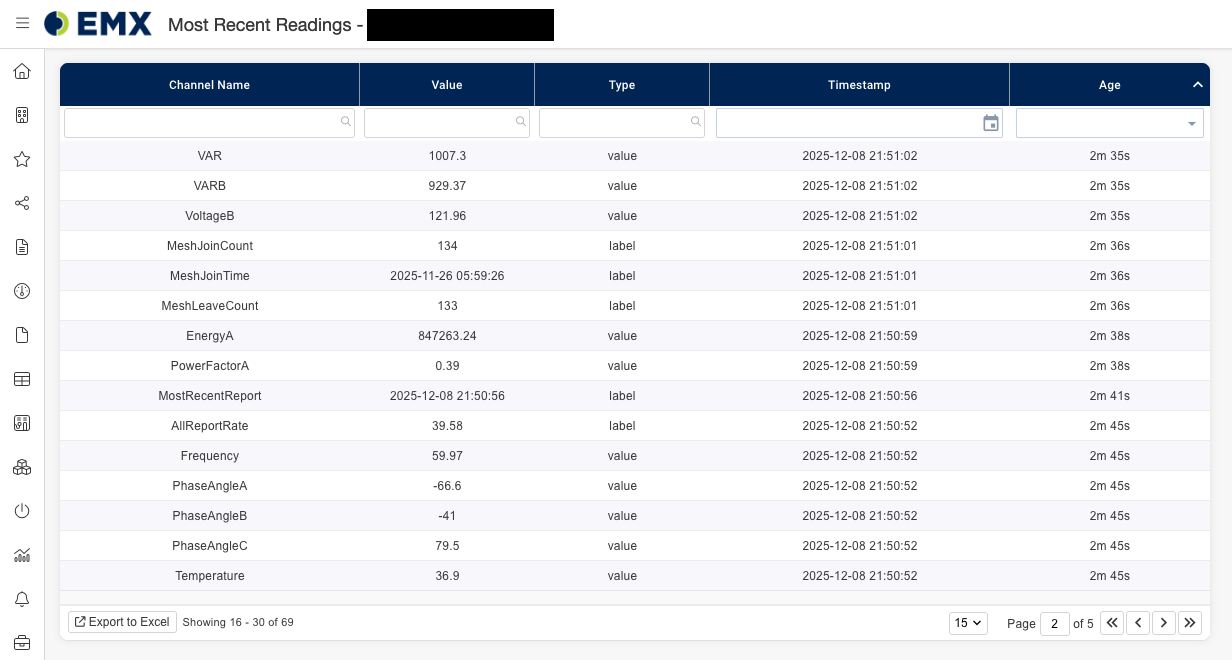
The Most Recent Readings page gives you a clear view of the latest readings from a node. Quickly see each channel’s value, timestamp, and age, helping you monitor data more efficiently.
Navigating to Most Recent Readings:
-
Navigate to your nodes detail page by clicking on your node in EMX.
-
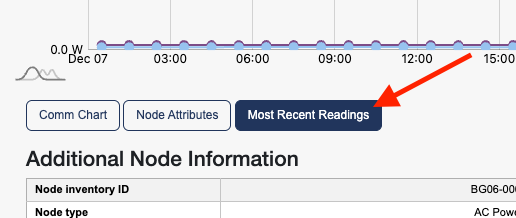
Then click on the Most Recent Readings button under the node chart.
Viewing Most Recent Readings:
View a table of all your nodes’ latest readings, with filtering and sorting options to help you find the data you need.